

Search Within AKMLab
AKMLab AI Tool: How to Use
The AKMLab AI Research Tool helps you explore research, publications, and other resources published on the AKMLab website by answering your questions based exclusively on the content available on our website.
Please note: The AI tool can only provide information on topics covered in our published website content. If a subject has not yet been addressed in our publications or website resources, the tool will let you know that the information is not currently available. It does not search external websites or draw on information outside AKMLab's published content.
Follow the steps below to access the tool and get started.
- Access the AI Research Tool
Click the link below to open the AKMLab AI Research Tool:
Access the AKMLab AI Research Tool
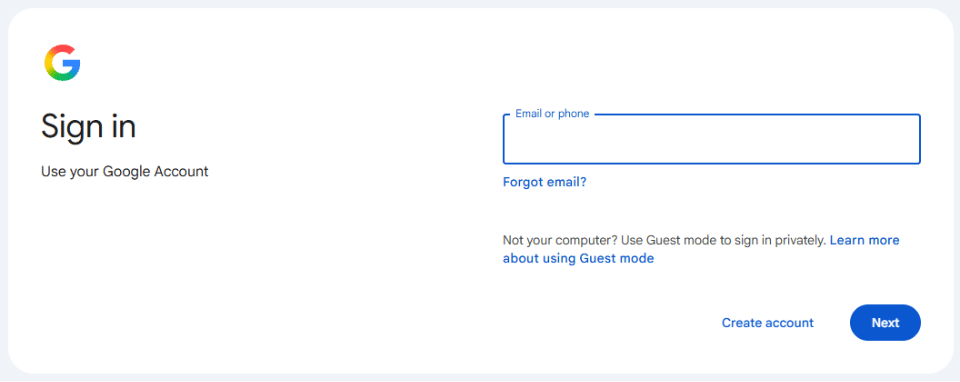
- Sign in with your Google Account
You will be redirected to Google's sign-in page. Sign in using an existing Google account. If you don't have one, you will need to create a Google account before proceeding.
- Start asking questions
Once you have signed in, the AKMLab AI Research Tool will open. You are now ready to ask questions and explore information from our website.
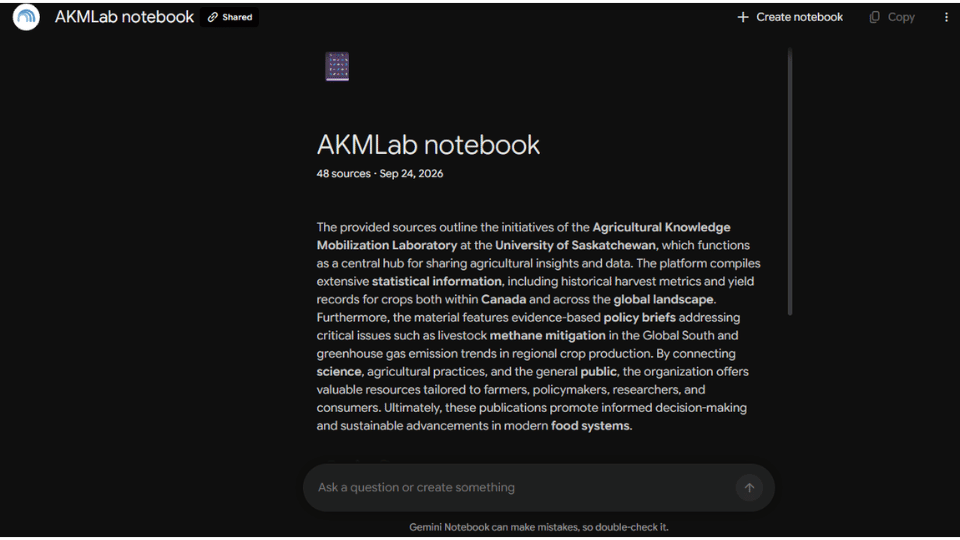
Simply type your question into the chat and let the AI research tool help you find relevant information.
Need help?
If you experience any difficulties accessing the tool or have questions, please contact our team at akml@usask.com. We will be happy to assist you!
Sincerely,
AKMLab Team.