

Session 1: Working with Excel
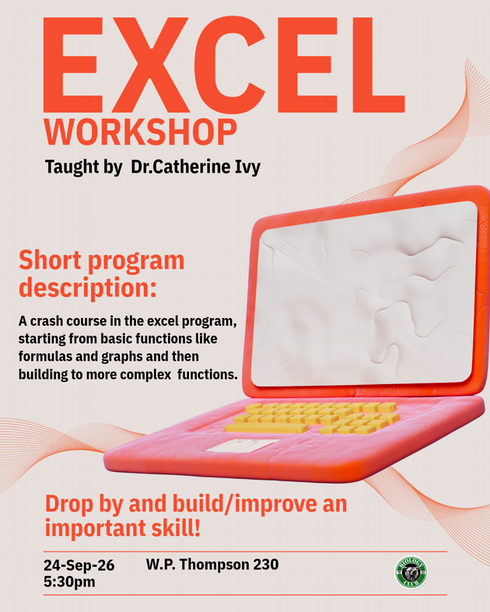
In this session we will go through the basics of excel:
- making the workspace functional (as much as it can be)
- using formulas
- dragging formulas
- graphing (continuous graphs, bar graphs)
- basic statistics (t-tests, base ANOVA)
Our workshop on September 24, 2026 will use this excel file: Excel Worksheet Session 1
Here is a cheat sheet of some of what we will be up to (not exhaustive...because there are search engines and tutorials for this...): Excel Session 1 Cheat Sheet